Easy M3U playlist management
An easy-to-use application for managing M3U TV playlist files on multiple devices.
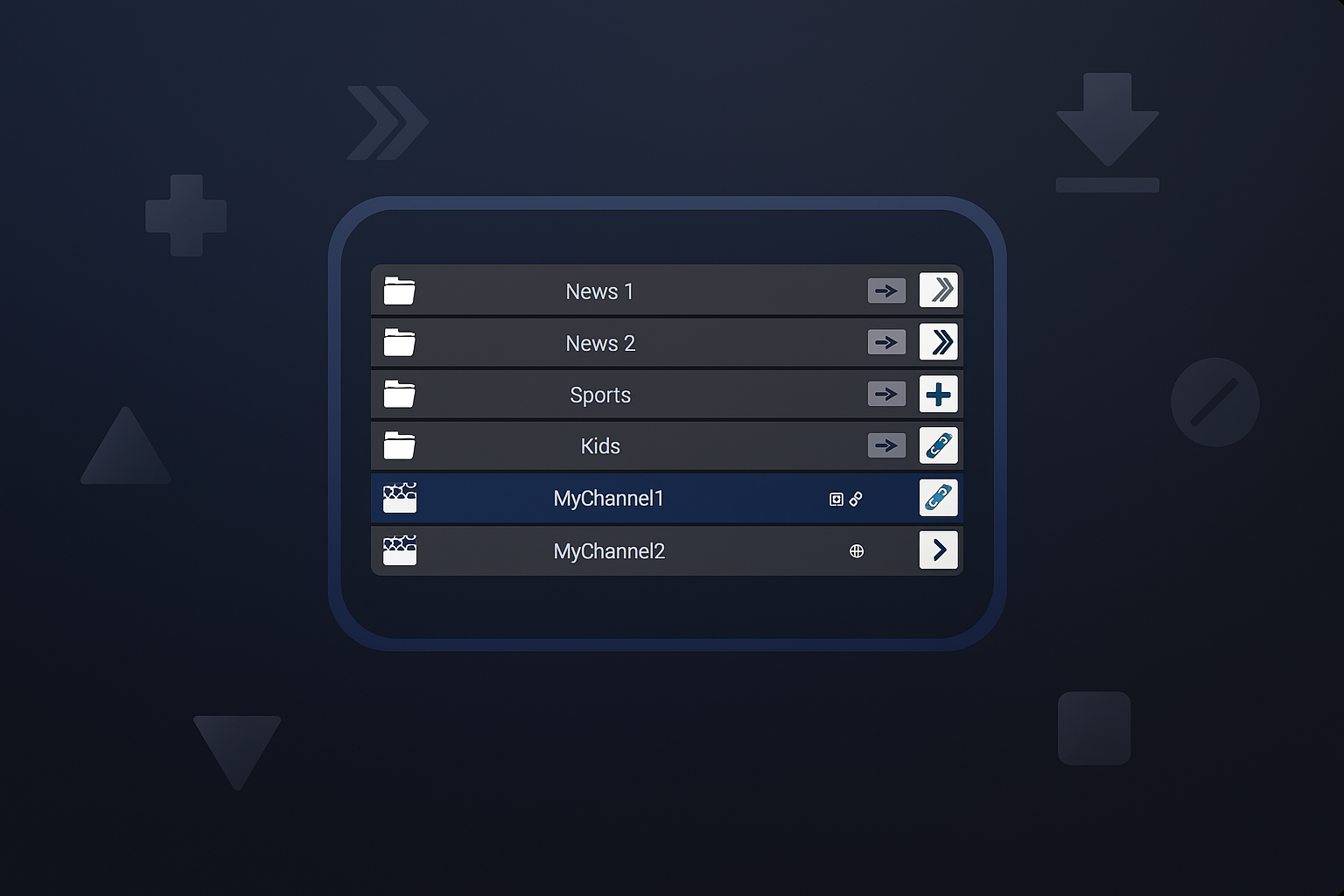
Advanced customization
An easy-to-use application for managing M3U TV playlist files on multiple devices.
Intuitive interface
Customize your TV lists easily and quickly.
Multiplatform support
Compatible with Windows and mobile devices for seamless management.
Downloads
Windows
Full version (With Legacy plugins) Beta 0.1.1
Android
Still under development
Linux
Still under development
Plugins
Explore some of the plugins that come pre-installed with Free M3U File Manager:
EPG Data Plugin
Assign logos, TVG URLs, and all available data from your preferred EPG channel list to the channels in your M3U playlist.
Simply specify the EPG URL you want to use in the plugin settings, and you can easily assign the data to the channels of your choice.
Github Icons Plugin
Sometimes EPG lists don’t have icons for all your channels…
No problem! With the GitHub Icons Plugin, you can select logos from a large repository on GitHub, containing thousands of icons for dozens of countries.
Special thanks to the contributors of:

EPG-Name Correspondence
With this plugin, you can save, load, and edit all the information about your channels by using their names.
This will allow you to easily and quickly update your channel lists with your preferred settings.
External plugins
Import third-party plugins to implement new functionalities or even create your own with minimal Python knowledge and using our example plugins as a starting point.
WARNING: Only use plugins from trusted sources. Using plugins from unknown sources could allow malicious code to be executed on your computer.
We are only responsible for the use of the plugins that are installed by default in the Legacy package.
Plugins Academy
A space where you can learn how to create your own plugins with examples included on the website, which you can also find in the download of the full version of the app.
GitHub Repository
The entire app’s source code is publicly available on GitHub.
In our repository, you can find the app’s source code, which you can download and run yourself, as well as the code for our legacy plugins included in the installer, along with the Windows installer and a portable version without plugins.